Support
Manuals, installers, answers and a direct line to us — everything for de-artifact, de-leak and ENZYME in one place. Tickets get a reply by email within 1–2 business days.
User manuals
Every control, preset and workflow, with screenshots of each part of the interface.
Downloads
Current installers for macOS and Windows. Your purchase email links the same files.
Get help
Licensing, billing, bugs or anything else — send it straight to us from this page.
Documentation
All three manuals are written against the shipping build and kept current — including the parts that changed recently, like Apple Silicon acceleration and the per-platform latency figures.

de-artifact
Artifact reduction for AI-generated and codec-damaged audio. Presets by source type, the full TUNE and ADVANCED reference, residual monitoring, latency and licensing.

de-leak
A machine-learning leak gate for stem bleed and RVQ ghosting. All seven presets with their exact values, the three-band controls, and Diff monitoring.
ENZYME
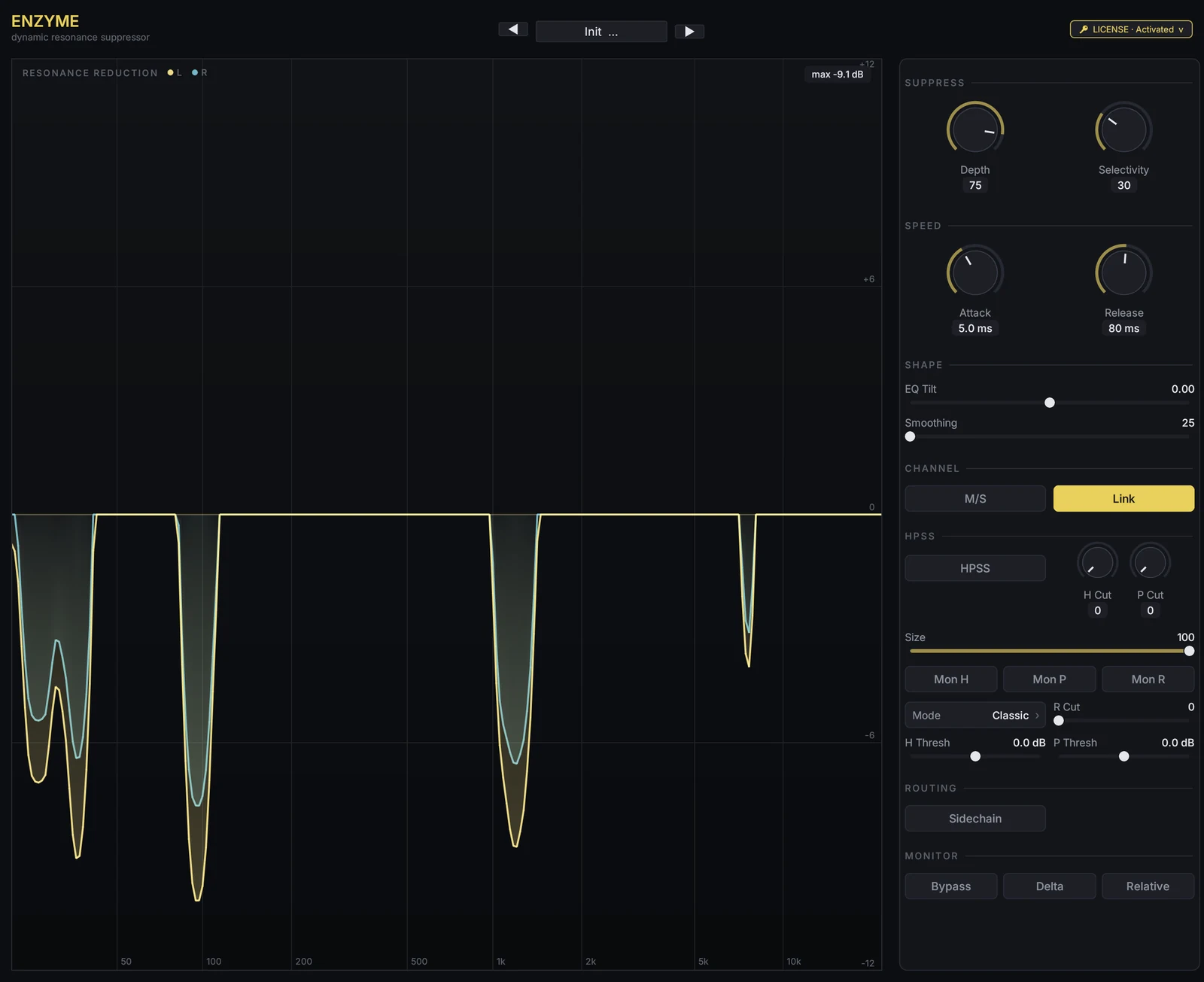
A dynamic resonance suppressor. Finds narrow spectral peaks that stick out above their own surroundings and pulls them down per frequency bin, per frame, with an optional harmonic/percussive/residual stage.
Common questions
Most tickets we get are one of these. If yours is here, you can skip the wait.
My license key won't activate ("License Activation" error)
Re-enter the key exactly as it appears in your purchase email
(INTRECT-DEAR-XXXX-YYYY-ZZZZ), make sure you're online, and hit Activate again.
Each license covers 3 machines — if you've reached the limit the plug-in
shows your existing machines with a "deactivate this machine" option.
Hosts that swallow keystrokes aimed at plug-in windows are a common cause of a "wrong" key: use the Paste button in the licence panel instead of typing. If it still fails, open a ticket below with your key and OS and we'll check the server side.
How do refunds and billing work?
Payments run through Paddle as our Merchant of Record, which issues receipts, invoices and refunds. Plug-ins: if a plug-in does not work as advertised, we refund it within 14 days of purchase. Cloud plans and credit: within 14 days of a charge, we refund what you have not used from it — the unused included credit of that month if you cancel a plan, or the unspent part of a credit pack. Open a Billing ticket below with your order email. Full terms: Terms §6.
Where do I download the installer?
From the de-artifact,
de-leak, or ENZYME download
pages above — your purchase email links the same files. Downloads are served from
downloads.intrect.io behind a quick bot check. Lost the email? Open a ticket and
we'll resend it.
I installed an update but nothing changed
Hosts cache plug-in binaries. Remove the plug-in from the track and add it again, or restart the DAW — a plain plug-in rescan will often keep serving the cached previous version. The version number in the plug-in header tells you which build you are actually running.
What are the system requirements?
macOS 11+ (Universal — Apple Silicon & Intel) or Windows 10/11 64-bit. de-artifact ships VST3, CLAP and Audio Unit, so it works in Logic and GarageBand; on Windows it needs 10 2004 or later and the Microsoft Visual C++ 2015–2022 x64 runtime, both of which its installer checks before it will proceed, plus a CPU with AVX2 + FMA (Intel Haswell 2013+ / AMD Ryzen 2017+) — that one the plug-in needs at run time and the installer does not test for. de-leak ships VST3 and CLAP only, so it does not appear in Logic yet. de-artifact also has an AAX build for Pro Tools on Apple Silicon Macs (stereo inserts only); Intel Macs and Windows have no AAX build.
The first fraction of a second is silent
That's the plug-in's reported latency window, and it's normal. de-artifact reports about 300 ms at 44.1 kHz (a little more at higher sample rates or with a larger host buffer); de-leak reports about 93 ms. Your DAW's plug-in delay compensation lines everything back up automatically — see each manual's latency section for the details.
Playback stutters, or a bounce comes back with gaps
In de-artifact, check that Offline Render is off — it is meant only for bounces and makes the audio thread wait during live playback. Then raise your host's buffer size. If a bounce specifically comes back with gaps, turn Offline Render on for that render and off again afterwards.
If it persists, send us ⚙ → Copy diagnostic report from the plug-in with your ticket — it usually identifies the cause immediately.
Does my plan or credit pay for Clean Audio too?
Yes. Detection and Clean Audio draw on one credit balance: detection costs $0.10, Clean $0.25 and Clean + restore highs $0.75 per minute of audio. Your plan's monthly credit is spent first, then any credit you bought, which never expires. You can see both parts on Billing.
Minutes or Cloud credit you bought before the two were merged were moved into the same balance at their dollar value. If a figure looks wrong, pick Billing below.
I cleaned my track with de-artifact and it's still flagged as AI
de-artifact and ArtifactNet measure different things, so cleaning a track does not change its AI flag. de-artifact is an audio quality tool — it removes audible artifacts (noise, digital coloration, clicks) to make a track sound cleaner. ArtifactNet is our AI detection tool — it measures how much actual AI-generated content is present in the underlying audio itself, not how it sounds.
Because of that, cleaning does not remove or alter the AI-generated content ArtifactNet is measuring: a track that was AI-generated will still be flagged as AI after cleaning, and a genuinely human-made track will still be flagged as human. Processing does change the signal a detector receives, so the reported probability can move slightly either way — but it is not a lever to move a score toward "real."
If you believe a specific track is being flagged incorrectly, open a ticket below and we'll take a closer look.
Open a ticket
We reply by email within 1–2 business days. Logged in? You can also reach this form from your dashboard — no captcha needed there.